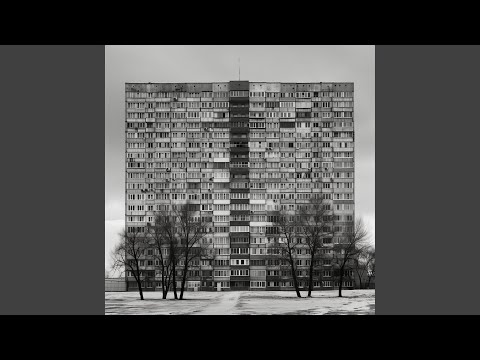
Most of the Tracks, as always, are bounced to audio and the source tracks are disabled and hidden. I used Bitwig 5.2b8 to save the files.
Premium
Subscribe
Patreon-gated Bandcamp Codes & Downloads for Projects, Presets and Samples. All in one place, so you dont need to search Patreon!
Here you can find exclusive downloads, presets, and other content based on your tier.
Most of the Tracks, as always, are bounced to audio and the source tracks are disabled and hidden. I used Bitwig 5.2b8 to save the files.
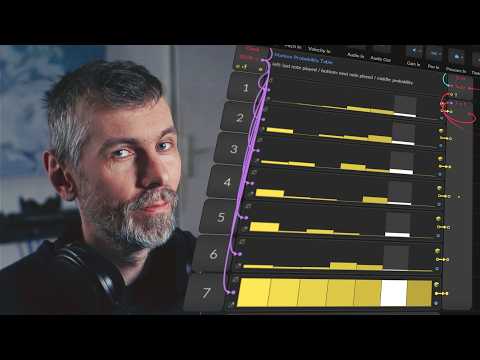
I recently shared how to use my updated Markov Chains preset. This preset is a melody generator based on probabilities, starting with a root note (e.g., D#3 in D# minor scale) and moving through notes using probability sliders. The concept is inspired by Hook Theory’s chord progression graphs.
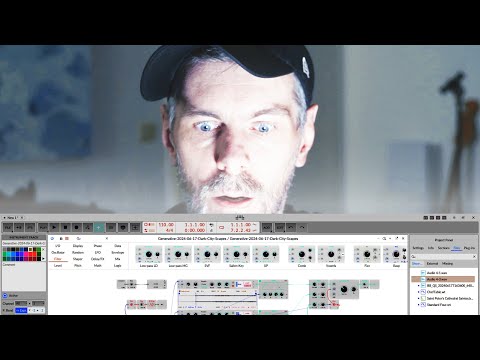
In this video, I explore creating new sounds using Bitwig's Grid by sampling random instruments and processing the samples for a unique ambient effect. I sample notes, manipulate octaves, and integrate effects like reverb and randomization to achieve a dynamic soundscape.
Key Points:
By the end of the video, I create a rich, ambient atmosphere and provide downloadable content for viewers to experiment with.
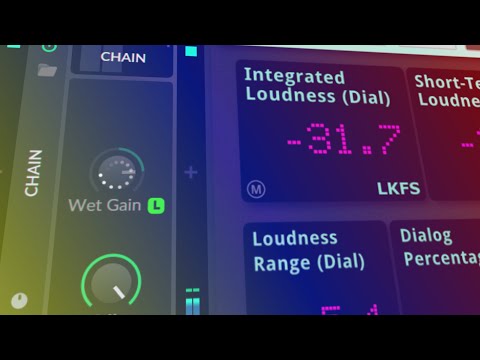
In this tutorial, I demonstrated how to create an auto-level preset in Bitwig Studio 5.2 to automatically adjust the volume of instrument tracks and live audio. This method provides a workaround for the lack of a native normalization feature for non-audio material, enabling consistent volume levels without manual adjustment.
This method is effective for ensuring consistent volume levels across different tracks, especially for live audio or external synthesizers.
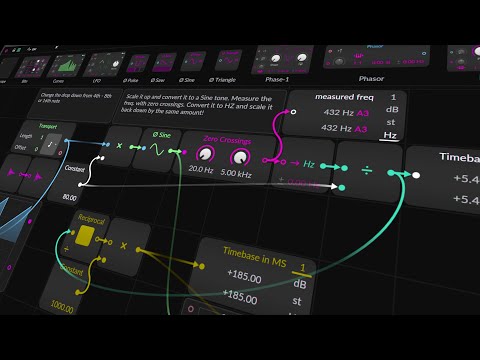
In this video, the creator demonstrates how to use Bitwig's Grid to solve the problem of converting millisecond-based compressor release times to beat-based units like 1/16th or 1/8th notes. This involves using the Grid to calculate time-based units that adjust automatically with changes in BPM. Here’s a quick overview of the process:
This approach, although complex and a bit "hacky," allows for dynamic adjustment of compressor release times based on BPM, ensuring more musical and consistent results.
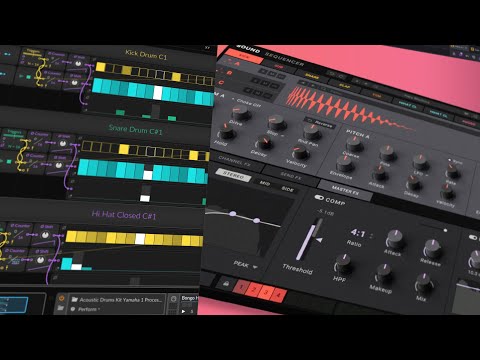
I received a request from Tamara to create a plugin remake video for Triaz by Wave Alchemy, focusing on the polymetric features of its sequencer. This tutorial only covers the sequencer part of Triaz, as the sound tab functions like a normal drum sampler. I demonstrated how to utilize Bitwig's Note Grid in monophonic mode to create self-running patches and implement polymetric sequences.
If you need more details on specific sections or functions, let me know!
Download:
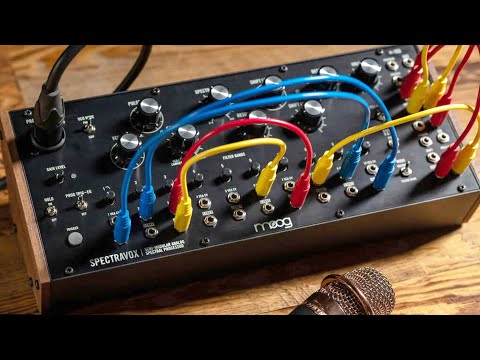
Moog Spectravox Overview
Key Points
Replicating Spectravox in Bitwig Studio
Practical Steps
Conclusion
Download the preset from the video description and experiment with different settings to explore the capabilities and nuances of the Moog Spectravox replication in Bitwig Studio.
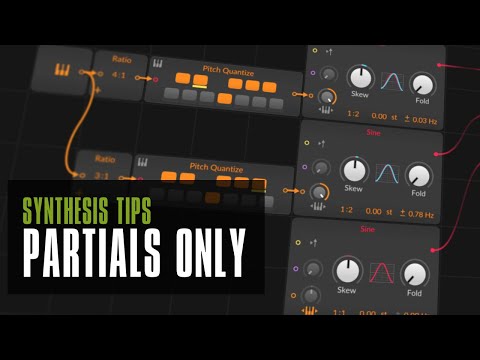
Here's a collection of my current "wave tables" that I use. They don't really serve a specific purpose and are products of experiments or tutorials. I was asked if I could share them, and I'd like to do that here.
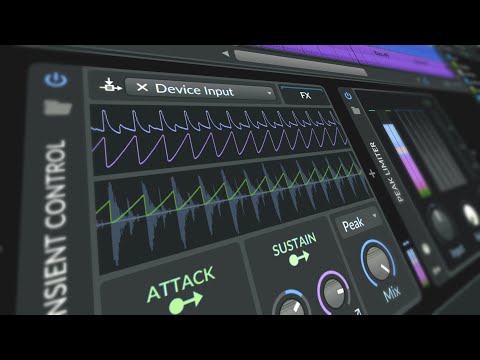
In this Bitwig Studio tutorial, I demonstrate how to create a trance track from scratch, without using any presets, samples, or loops. Here's a concise breakdown of the process:
This tutorial showcases how to build a trance track in Bitwig Studio, emphasizing in-the-box production techniques without external samples or plugins.
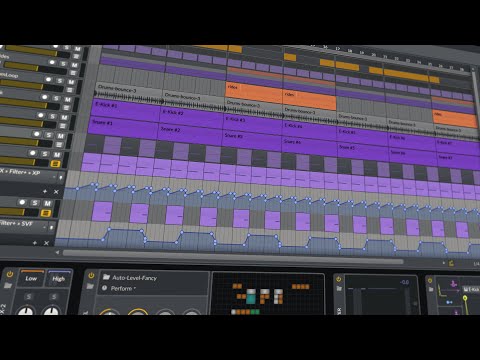
In today's music production session, we focused on creating a drum and bass track using Addictive Drums. Here's a concise overview of the steps and techniques employed:
Overall, the session was an effective demonstration of creating a dynamic and textured drum and bass track from scratch, emphasizing drum programming, sound design, and mixing techniques.
Download Project:

Today, I explored using a unique YouTube video as a sample source for creating ambient music. Here's a summary of the process:
This session demonstrated how effectively one can utilize freely available YouTube samples to craft a chill-out tune, highlighting creative sampling and effect application in Bitwig.
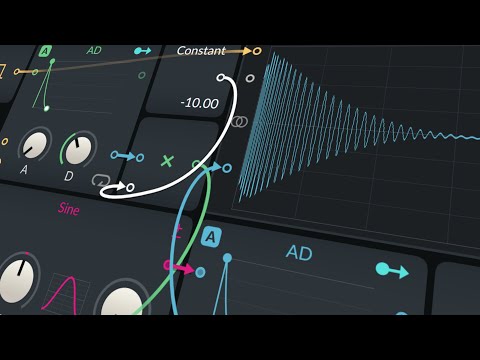
In a recent tutorial on creating kick drums in Bitwig using the Grid, a method was introduced to maintain the tail end of a kick drum consistent despite changes in the pitch envelope. This technique is similar to one I've shown before using a kick drum plugin. Here's a summarized step-by-step breakdown of the process:
This technique allows for greater control over the attack phase of the kick drum, offering a range of sounds from soft to more pronounced, akin to hardstyle kicks. The trick ensures the tail phase of the kick drum remains unaffected by pitch changes, ideal for alignment with bass tracks in mixed compositions. This discovery, credited to KaiFu and Headhunters from the Bitwig Discord, is shared with a downloadable preset in the tutorial description for users to try out.
Preset:
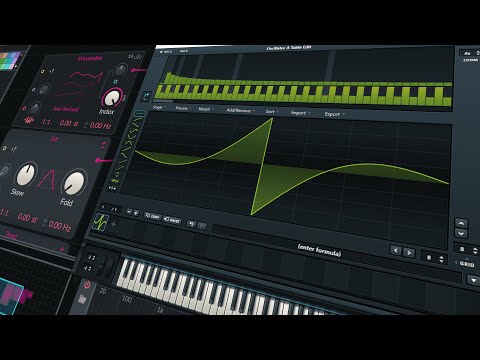
In the video, two main questions were addressed regarding music production techniques, specifically within the context of using the drum machine XO preset in Bitwig Studio and creating bass sounds with a wave table in Poly-Grid. Here's a summary of the solutions provided:
Both segments focus on practical solutions to common production challenges, offering clear steps to enhance sound design and workflow efficiency. The first part simplifies the routing within a drum machine setup to streamline sample previewing. The second part presents both a straightforward and a sophisticated approach to achieving a powerful bass sound that balances mono and stereo elements for depth and presence in mixes.
Download Wavetable from the Video:
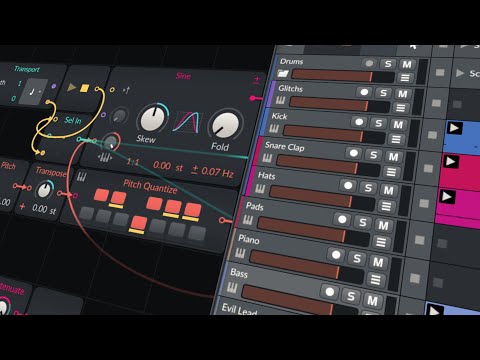
This is the Bitwig project for the track I created in the last video.
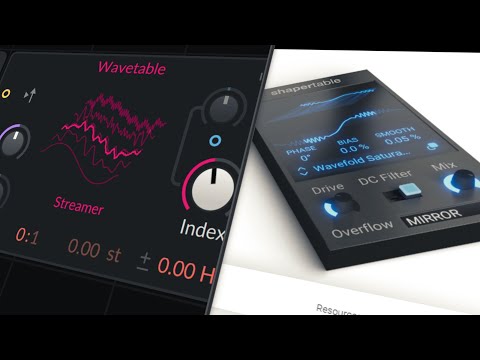
In this tutorial, I explored a unique approach to creating distortion effects in Bitwig by utilizing wave tables instead of traditional transfer curves. Here's a summary of the key points:
This approach offers a fresh perspective on designing distortion effects, showcasing the flexibility of Bitwig's modulation capabilities and the creative possibilities when combining synthesis techniques.
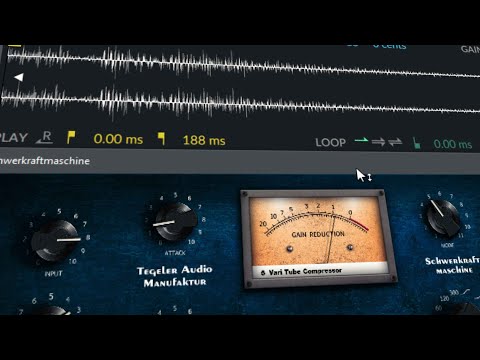
In my response to "trendcast," I express understanding of the frustration that comes with comparing one's work to others and the evolving nature of personal art. I highlight the importance of not giving up on music as a form of self-expression, despite the challenges. Here's a breakdown of how I approach creating a track in Bitwig, emphasizing the process of starting simple and gradually adding complexity:
Throughout, I stress the value of starting simple, using what's available, and focusing on gradual improvement and complexity. Finally, I reiterate my invitation to "trendcast" to reach out for a discussion, underscoring the shared experiences and challenges in the music creation process.
Download:
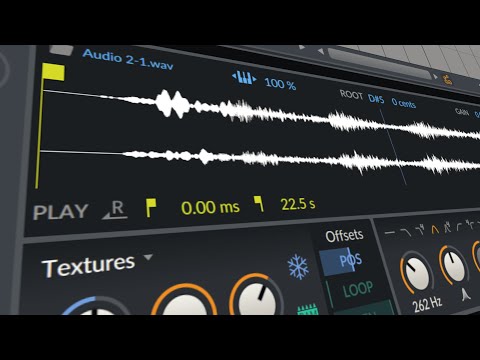
In this video, I demonstrate creating a loop from scratch in Bitwig Studio using only its built-in features, emphasizing special techniques for sound design:
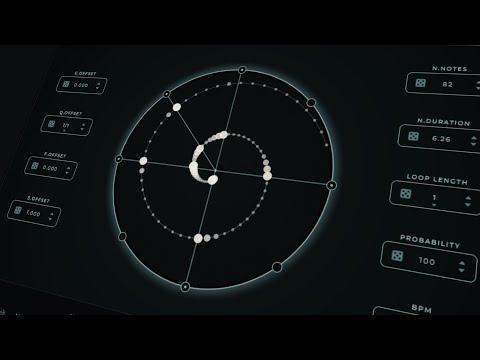
I attempted to replicate Harmony Bloom, a polyrhythm generator, in Bitwig Studio, and here's a brief overview of how it went:
In summary, while not a perfect replication, Harmony Boom introduces a similar polyrhythmic capability within Bitwig Studio, albeit with some constraints and less visual flair compared to Harmony Bloom.
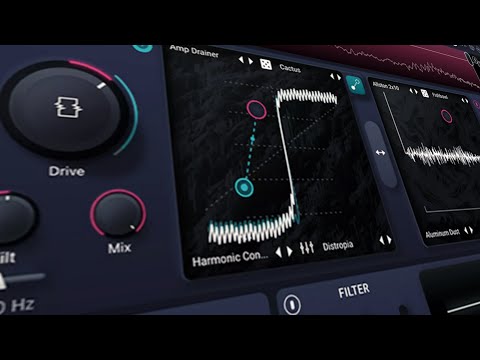
I've been getting a lot of questions about Trash 3 from iZotope. In this video, I'll show you how I would set up Trash 3 in Bitwig. The focus is on recreating the core features without achieving an identical interface or sound but maintaining a similar workflow. Here's a summary:
The process involves:
The video concludes with the creator offering the Bitwig preset used in the tutorial for download, mentioning the necessity for users to source their own impulse responses due to copyright restrictions. This approach allows viewers to experiment and extend the setup based on their preferences, highlighting the flexibility and power of Bitwig Studio in emulating complex effects processors like Trash 3.
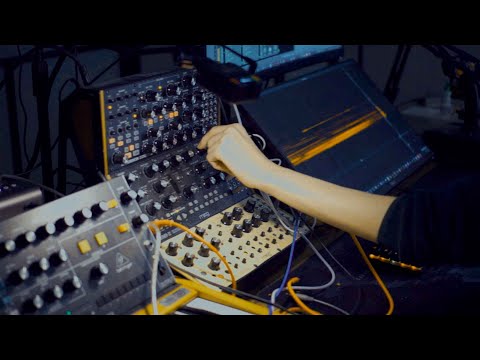
This is the project post to my track "Tritonage". I bounced everything in the project, but the samplers and original tracks are still untouched in there. Also included are the two samplers with the Triton samples I showed in the last tutorial. If you have problems opening the project, let me know!
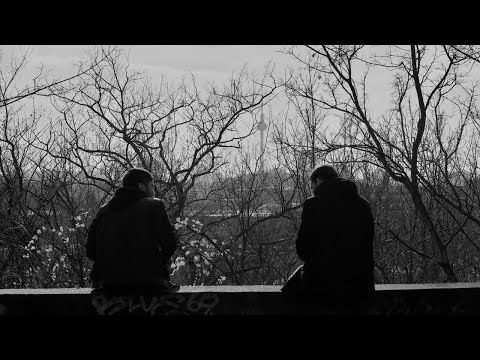
One of the tracks I made for #FAWM 2024. It all came together within an hour. I took a bit more time for the mixdown. The recordings are from Berlin, Lichtenberg. I think the bleak apartment buildings and the industrial vibe really add something special to the track.
Download MP3 320:
The project for Bitwig will also be available here soon for Premium subscribers, then you can remix it or use it however you want.
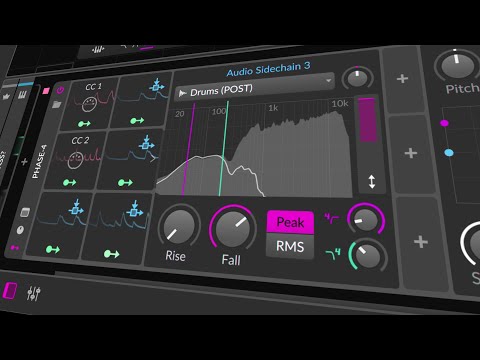
I crafted a tutorial on how to use an envelope follower in Bitwig Studio to modulate the frequencies of a filter on a bass track using the amplitude of drums on a drum bus. This approach aims to create dynamic interaction between the bass and drum tracks, preventing the bass from sounding too static and lifeless.
Here's a summary of the key points:
This tutorial showcases Bitwig Studio's powerful modulation capabilities, particularly for creating a dynamic relationship between drums and bass, ultimately bringing more life and movement to music productions.
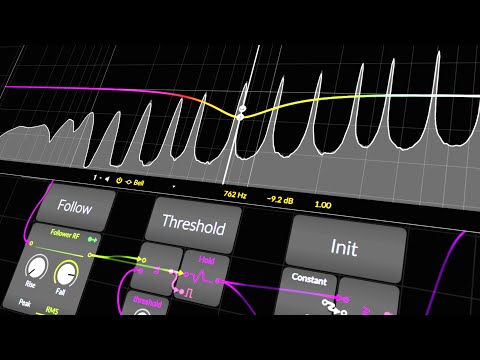
In this tutorial, I explored several innovative techniques to achieve auto EQ effects similar to the Waves Factory Equalizer within a digital audio workstation using stock devices, primarily focusing on Bitwig Studio. Here's a summary of the methods I discussed:
Each technique was crafted with creativity and practical experimentation in mind, aiming to achieve professional audio processing results without relying on specialized plugins. While acknowledging the limitations and potential phase issues with these DIY approaches, I emphasized their utility for sound design and mixing within Bitwig Studio.
Additionally, I mentioned that while these techniques offer great flexibility and creative potential, dedicated plugins might provide more precise control and quality for specific tasks. Nonetheless, these methods serve as valuable tools for producers looking to explore sound design and mixing possibilities within their DAW using stock devices.
Download: /
More: Replacing VSTs Playlist
In this tutorial, I explored several innovative techniques to achieve auto EQ effects similar to the Waves Factory Equalizer within a digital audio workstation using stock devices, primarily focusing on Bitwig Studio. Here's a summary of the methods I discussed:
Each technique was crafted with creativity and practical experimentation in mind, aiming to achieve professional audio processing results without relying on specialized plugins. While acknowledging the limitations and potential phase issues with these DIY approaches, I emphasized their utility for sound design and mixing within Bitwig Studio.
Additionally, I mentioned that while these techniques offer great flexibility and creative potential, dedicated plugins might provide more precise control and quality for specific tasks. Nonetheless, these methods serve as valuable tools for producers looking to explore sound design and mixing possibilities within their DAW using stock devices.
Download: /
More: Replacing VSTs Playlist