Preset:
Ultra Sidechain
(2024-10-28)
In this tutorial, I break down the process of creating ring mod sidechain modulation in Bitwig Studio to precisely duck the bass around the kick drum, a popular technique in modern production.
I explain why the conventional ring mod side-chaining setup introduces distortion and how to create a cleaner, adjustable version in Bitwig with audio rate modulation.
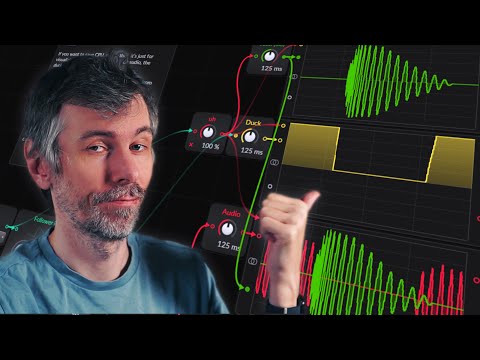
This video covers two approaches: a straightforward method using Bitwig's built-in tools and a more advanced setup using the FX Grid for maximum control.
Key Points:
- Ring Mod Sidechain Basics: Commonly used to duck bass when the kick hits but can cause distortion.
- Bitwig's Simple Setup: - Use a Tool device with an audio rate modulator to receive the kick drum signal. - Rectify the kick signal to avoid polarity issues and duck bass volume by -1.
- Distortion Issues: Frequency and phase mismatches between kick and bass cause "leaked" frequencies and distortion.
- Advanced FX Grid Setup: - Set up a sidechain with envelope followers and a transfer curve to refine the sidechain response. - Fine-tune smoothing and control using the transfer curve for precise cuts.
- Recommended Option: For ease, try Bitwig's audio sidechain modulator, which includes band-pass filtering and smoothing.
I’ve included both setups as presets for easy replication!
More!
- Ultra-Sidechain (Grid Sidechain) Download:
- RingMod Sidechain (Tool RMSC) Download:
- Video transcribed, summarized and Q&A on my Blog (no ads): https://polarity.me/posts/polarity-music/2024-10-28-ringmod-sidechain-in-bitwig/
Free