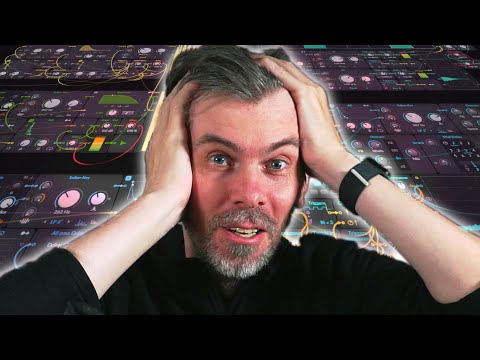
In this video, I walk through how I build grid patches from scratch, showing that while the setups might look complex, they're really just simple instruments and effects layered together.
I explain my process step by step, starting with a kick drum and gradually building up a groove with hats, claps, bass, and arps, all while tweaking parameters for a more interesting sound. I also touch on how I arrange everything on screen for my videos to make the patches appear compact, and share a few tips on organizing and refining patches for better workflow and presentation.
If you're curious about modular music production or want to see behind the scenes, I hope this gives you some useful insight and inspiration for your own projects.
- Explanation of how grid patches are built and why they look complex
- Overview of multiple instruments and effects in one patch
- Demonstration of building a techno groove from scratch in Bitwig Grid
- Step-by-step creation of a kick drum with envelopes, pitch, and wave shaping
- Addition of hi-hats using noise and modulation for variation
- Construction of a clap sound and using filters for groove shaping
- Introduction of a bassline with phase shifting and filtering
- Use of modulation and quantizers to add groove and musicality
- Creating an arp with phase modulation, delays, and reverb effects
- Explanation of filter pitch tracking and separation of amplitude and filter envelopes
- Arrangement tips for making patches more visually appealing and compact
- Advice on managing complexity and using modular approaches in music production
- Encouragement to explore and rearrange patches for learning and creativity
- Mention of sharing presets and patches on GitHub for viewers to download
Download the Patch (the raw one from the video):
(more soon here)