Samples:
Jazzy Bitwig
(2024-01-04)
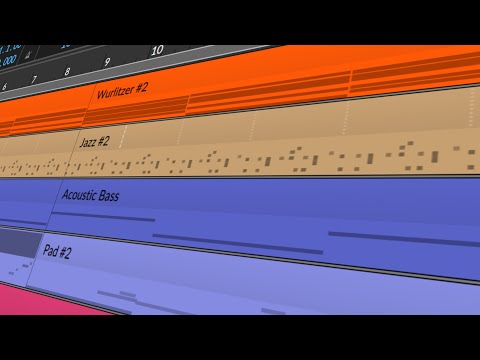
This Bitwig Studio tutorial demonstrates creating a jazzy loop, combining techniques from previous videos. The process includes:
- Chord Progression Creation:Using a Wurlitzer from Bitwig's Electric Keys package. Adjustments like increased release, tremolo, and chorus. Constructing a major chord using the root note, major third, perfect fifth, major seventh, minor ninth, and major eleventh. Adding velocity variation and strumming effects for realism.
- Drum Pattern with XO:Using the XO plugin to select jazz-style drum samples. Creating a basic drum loop with kick, snare, hi-hats, and additional elements. Discussing a new feature (or possibly unnoticed) of note snapping in Bitwig.
- Bassline with Jazz Bass from Kontakt:Implementing a simple bassline using the Kontakt library. Using an arpeggiator for rhythm variation. Synchronizing the bassline's timing with the drums using Bitwig's note grid and sidechain feature.
- Additional Elements and Effects:Adding piano and saxophone parts, ensuring they harmonically fit the chord progression. Utilizing reverb for texture. Discussing recording techniques like punch out for perfect loop length. Mastering with plugins for a retro sound.
- Integration of Techniques:The tutorial emphasizes integrating multiple techniques and Bitwig features. The tutorial ends with an invitation for questions and a reminder that the project is available on Patreon.
The video is a practical example of combining previous lessons to create a cohesive jazzy loop in Bitwig Studio. Download the Project:
Basic Support